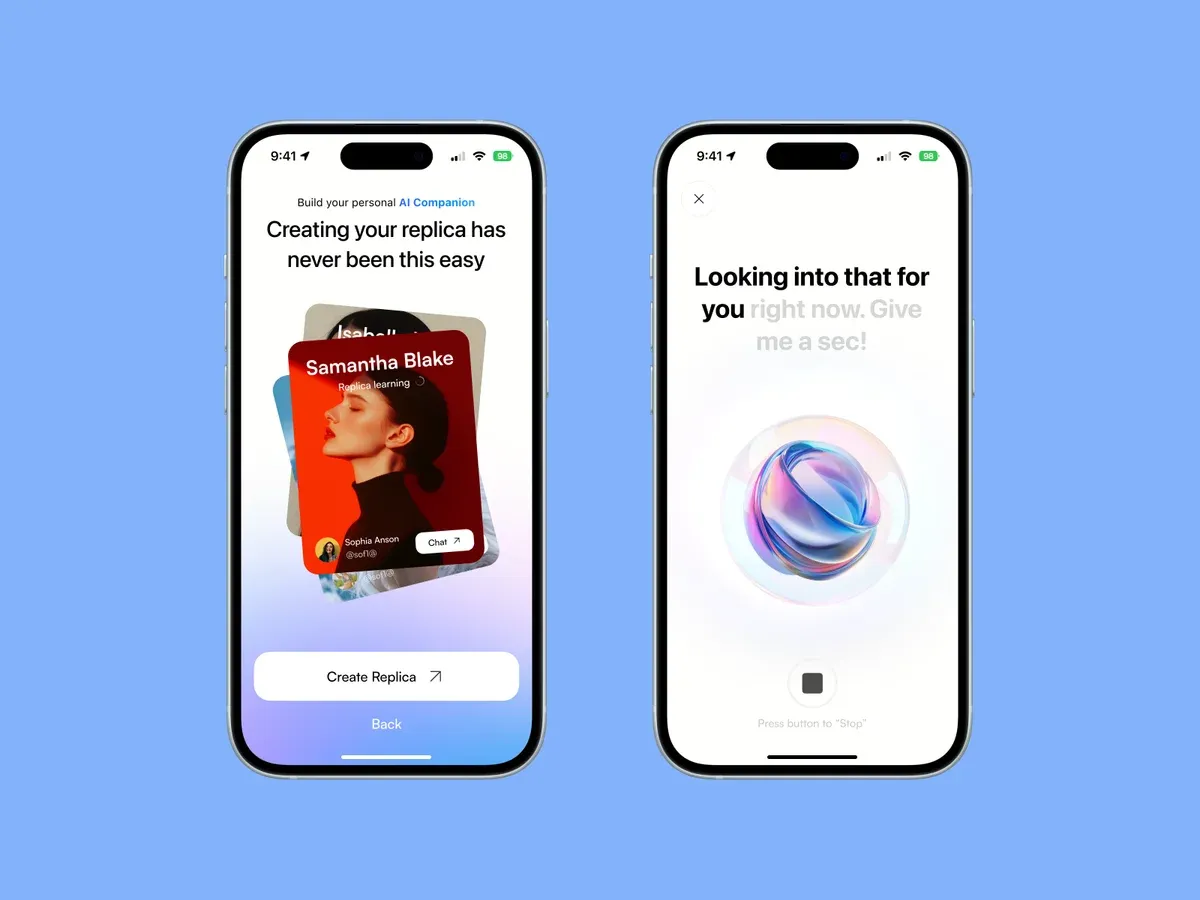
[Optional opener: 1 or 2 lines about a real AI MVP. What the founder came with, and what the first version became.]
An MVP is the smallest version of a product that proves people want it. For AI products, that proof is harder to get than it looks. The AI can answer differently every time, and a static mockup can’t show that.
This is for founders and teams who have an idea and a deadline, and want to know fast if it’s worth building. Here’s how I take an AI MVP from the first brief to a live product. From brief to launch it usually takes [how long an AI MVP takes, from brief to launch].
Shape the idea into a scope
Most ideas show up too big, and that’s normal. The first job is to find the one problem the MVP solves and the one person it solves it for.
I start with questions like these:
- What is the one job this product does?
- Who is the first user, and what do they do today instead?
- What does the AI do, and what does the person do?
- What happens when the AI gets it wrong?
The split between the AI and the person decides a lot of the design. If the AI acts on its own, the person needs to see what it did and undo it in one step. If the person approves every step, approving has to be fast, or they stop using it.
The last question is easy to skip, and it shapes the product more than the others. The AI will be confidently wrong at some point. The design has to plan for that day, so the person can spot the mistake and fix it without losing trust in the product.
Then we cut. Every feature that isn’t needed to prove the idea goes on a “later” list. Nothing gets deleted. It just waits.
The output is a one-page scope with the problem and the core flows. The “later” list is usually longer than the scope, and that’s a good sign.
Check that people want it
Before we build anything, we test the need. It’s the cheapest step in the whole process.
How we test depends on the product. It can be one of these:
- Short calls with people from your audience about how they handle the problem today.
- A simple landing page that explains the product and asks people to join a waitlist.
- A clickable prototype of the core flow, to see if people understand it without help.
I’m looking for 2 answers. Do people recognize the problem? And would they switch from what they use now?
If the answer is no, that’s a good result. You just saved the budget of a whole build. If it’s yes, the scope usually shifts a little. Real people describe the problem in their own words, and those words often end up in the product.
Build a working prototype and test it
For most apps, a clickable Figma prototype is enough to test with. For AI products it often isn’t. The value is in the answers, and a mockup can only fake them.
So I design the core flows in Figma first. Then I build a working version with AI coding tools. It takes real input and gives real AI answers, so people test the actual thing.
The code at this stage is quick and rough, and that’s fine. It exists so we can learn. The design decisions are where I take my time: what the product asks for, what it shows while the AI works, how it explains a result and what it does when the answer is wrong.
Then we put it in front of people. I watch where they get stuck and what they expect the AI to do. Most of all, I watch for the moment they stop trusting it. That moment tells you more than any survey.
I also keep a list of the worst answers the AI gives during testing. Each one becomes a case the design has to handle, before a real customer finds it.
[Add a real example: an AI MVP you prototyped, and one thing testing changed.]
Polish it and go live
A prototype that works is not yet a product people trust. This last part closes that gap.
First, polish. I go through every screen and every state: empty, loading, error and success. For AI features the waiting state matters most. People will wait for an answer if they can see something is happening. They leave if the screen just sits there. Copy and spacing get the same attention, on desktop and on a phone. Nothing ships “for now”.
Then I start the design system. It starts small: colors, type, spacing and the components the MVP already uses. I’ve built a design system in every role I’ve had, and an MVP is the cheapest place to start one. Every feature you add after launch then starts from ready parts instead of a blank page.
Last, we connect and go live. The prototype gets wired to the real data and services, like sign-in, the AI model and payments if the product needs them. Analytics go in, so you learn from real users on day one. Then it ships.
[What happens after launch: do you stay on for fixes and the next features? Add your real offer.]
Have an AI product idea you want to test? Book a call and we’ll shape the first version together.
